Designing a Nice World.
Nice is the number one choice in integrated automation systems, thanks to a complete variety of smart and user‑friendly solutions.
Creating a world without barriers.
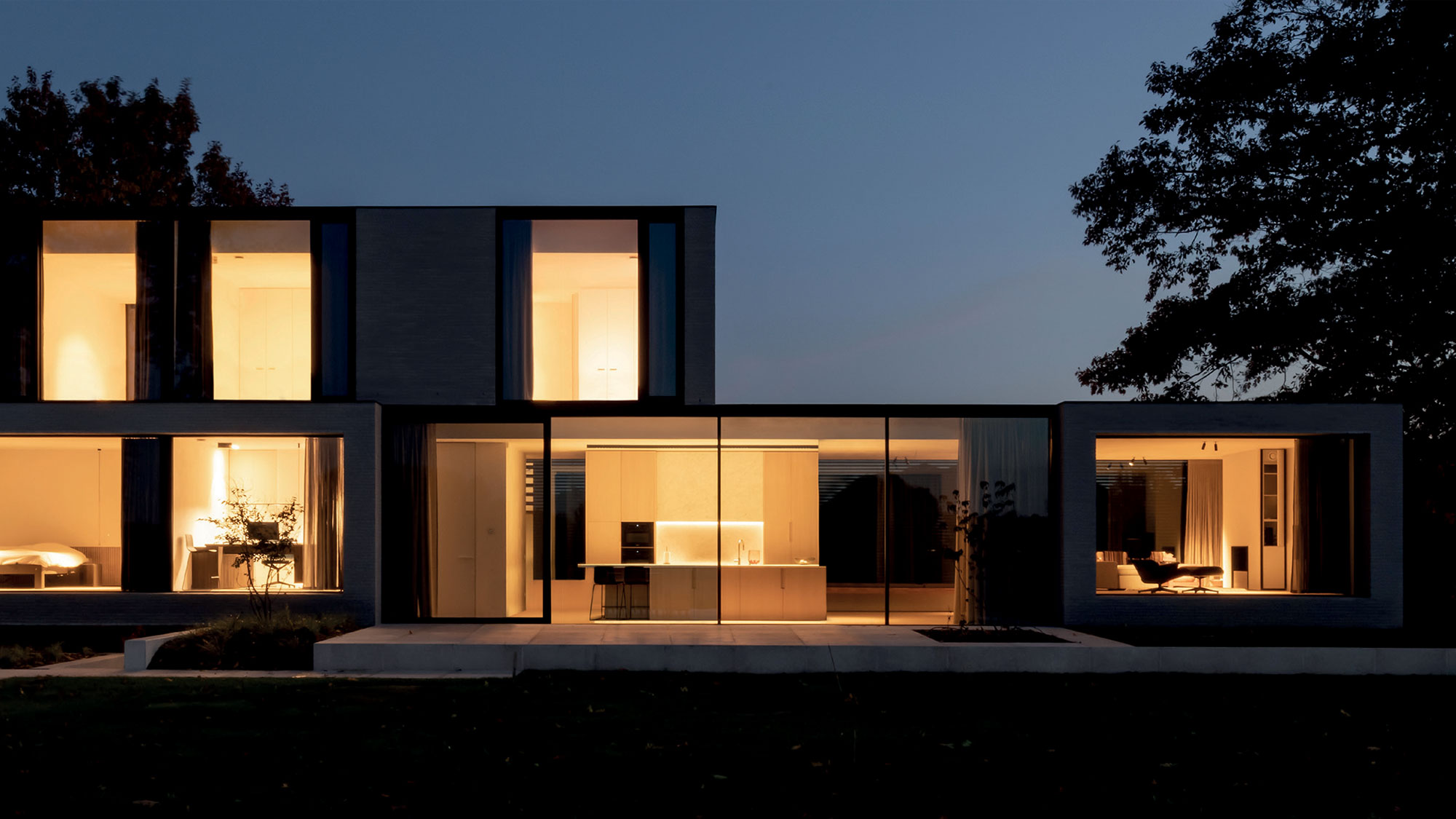
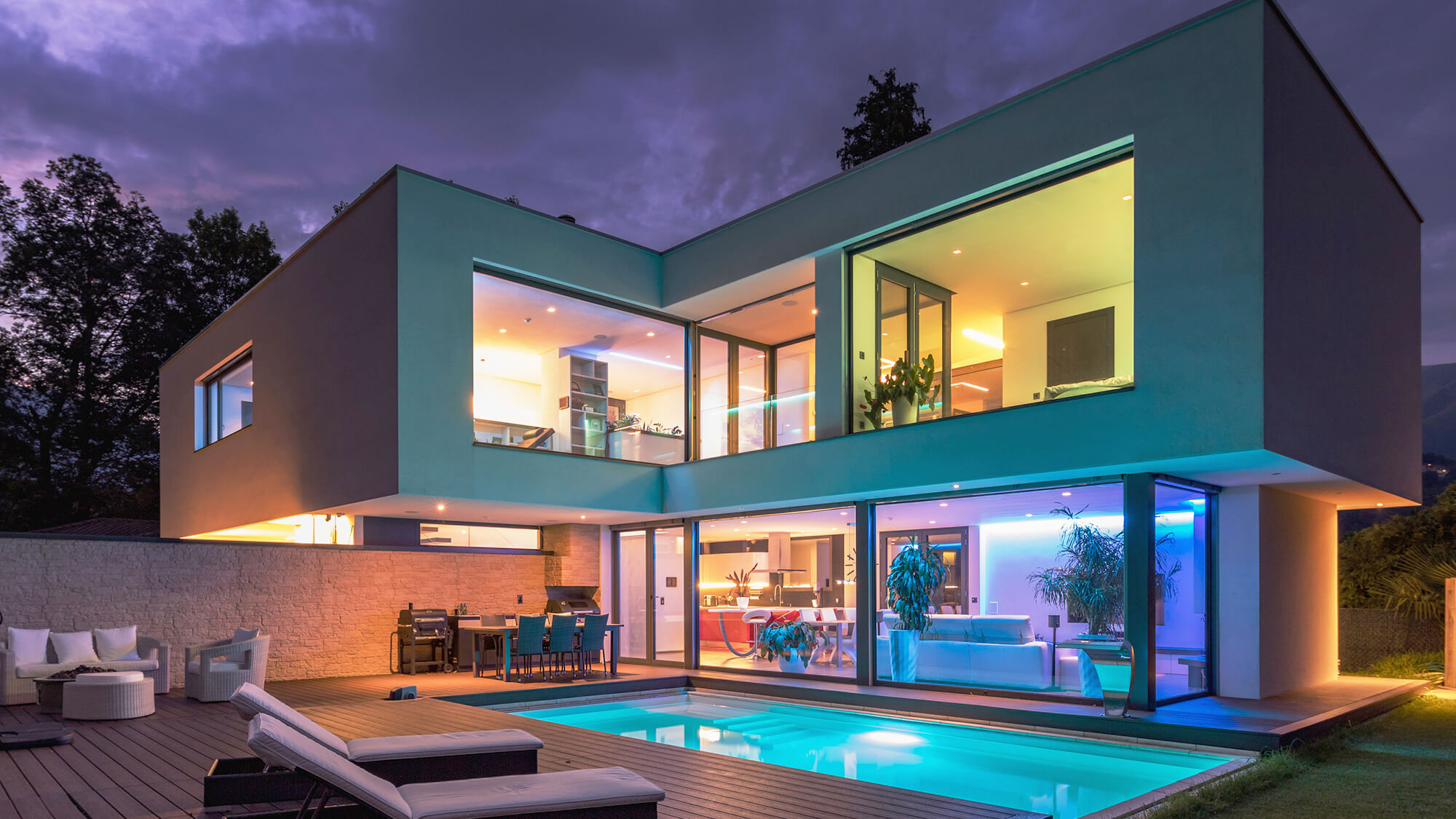
Nice improves the quality of life by simplifying everyday movements. Nice designs not only automations, but modular, customizable systems to make life safer, easier, and more pleasant.



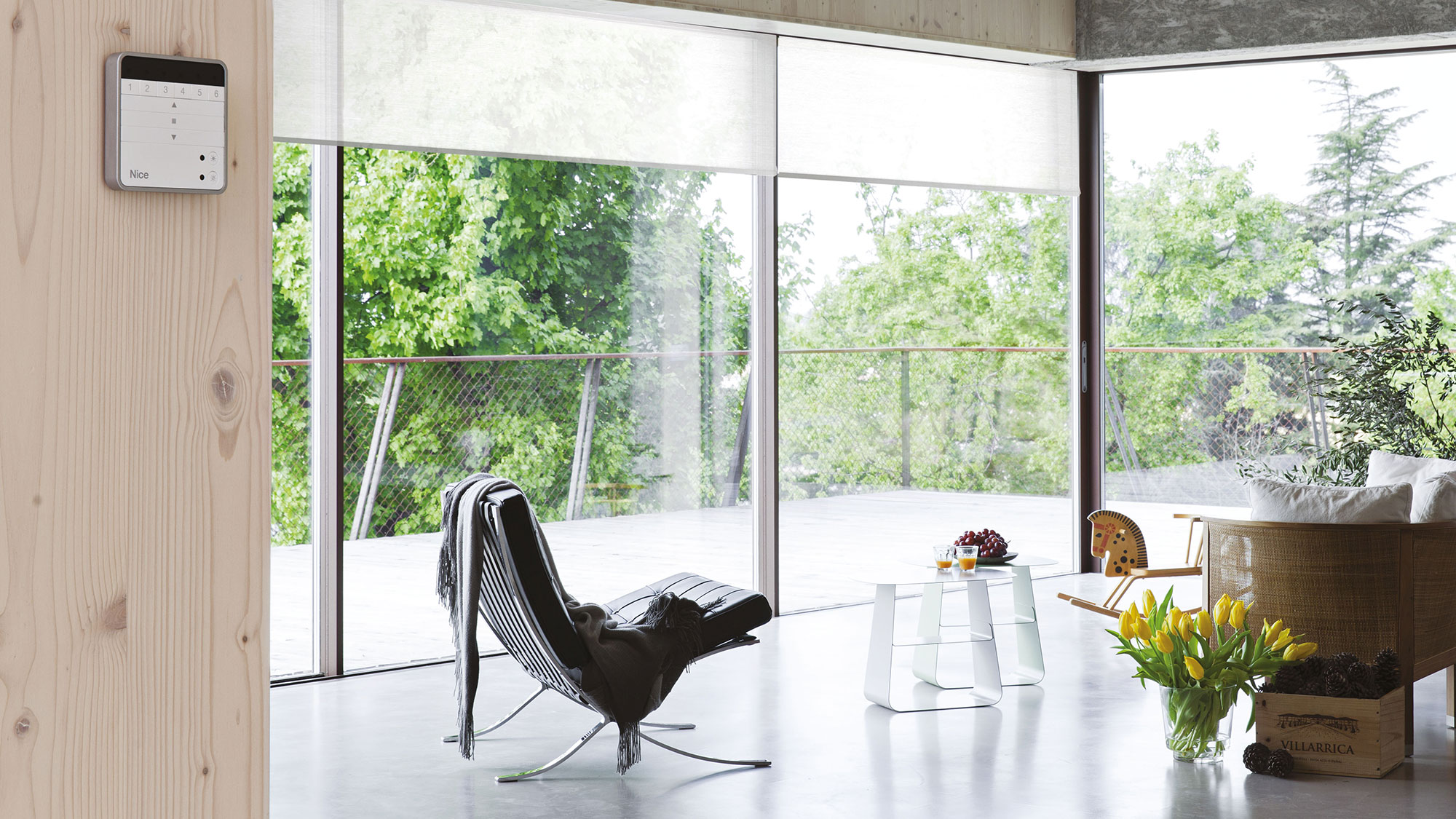


Be a Nice Partner.
Partners have access to Nice's global resources, including top talent, products, and programs. Become a partner today.
-
The Nice North America Builder Services Program is focused on helping our Builder partners expand their revenue opportunities in the builder market.
-
Nice boasts over 50 years of innovation and is dedicated to addressing the business needs of our dealer network and the lifestyle needs of millions of customers.
-
With world class customer service and a focus on shared success, Nice and our distribution partners thrive in an environment of transparency and collaboration.
-
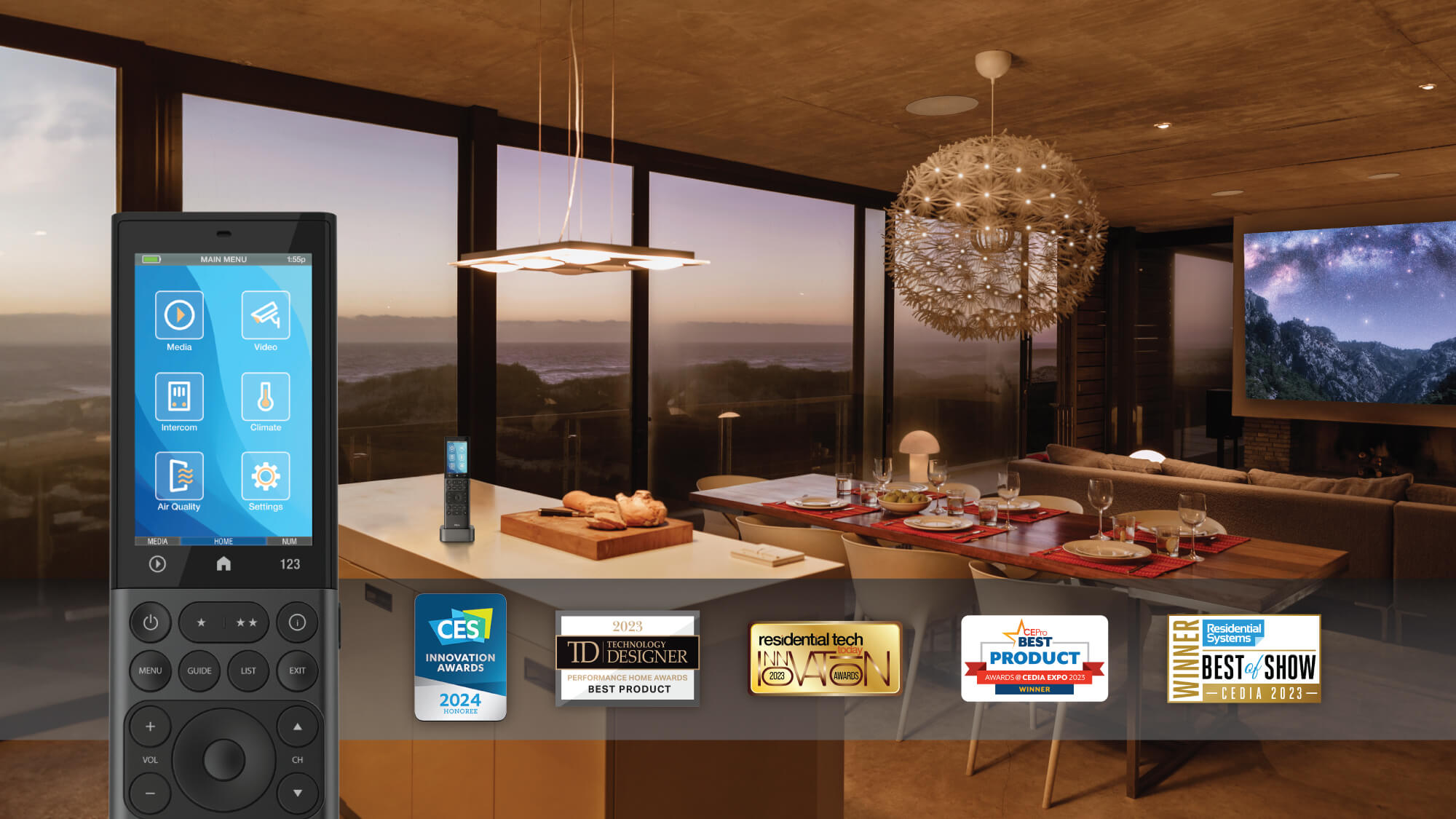
Nice works with the best entertainment, audio, climate, security, and lighting brands to provide a way for customers to use the products they love from a single award-winning platform.
Nice News
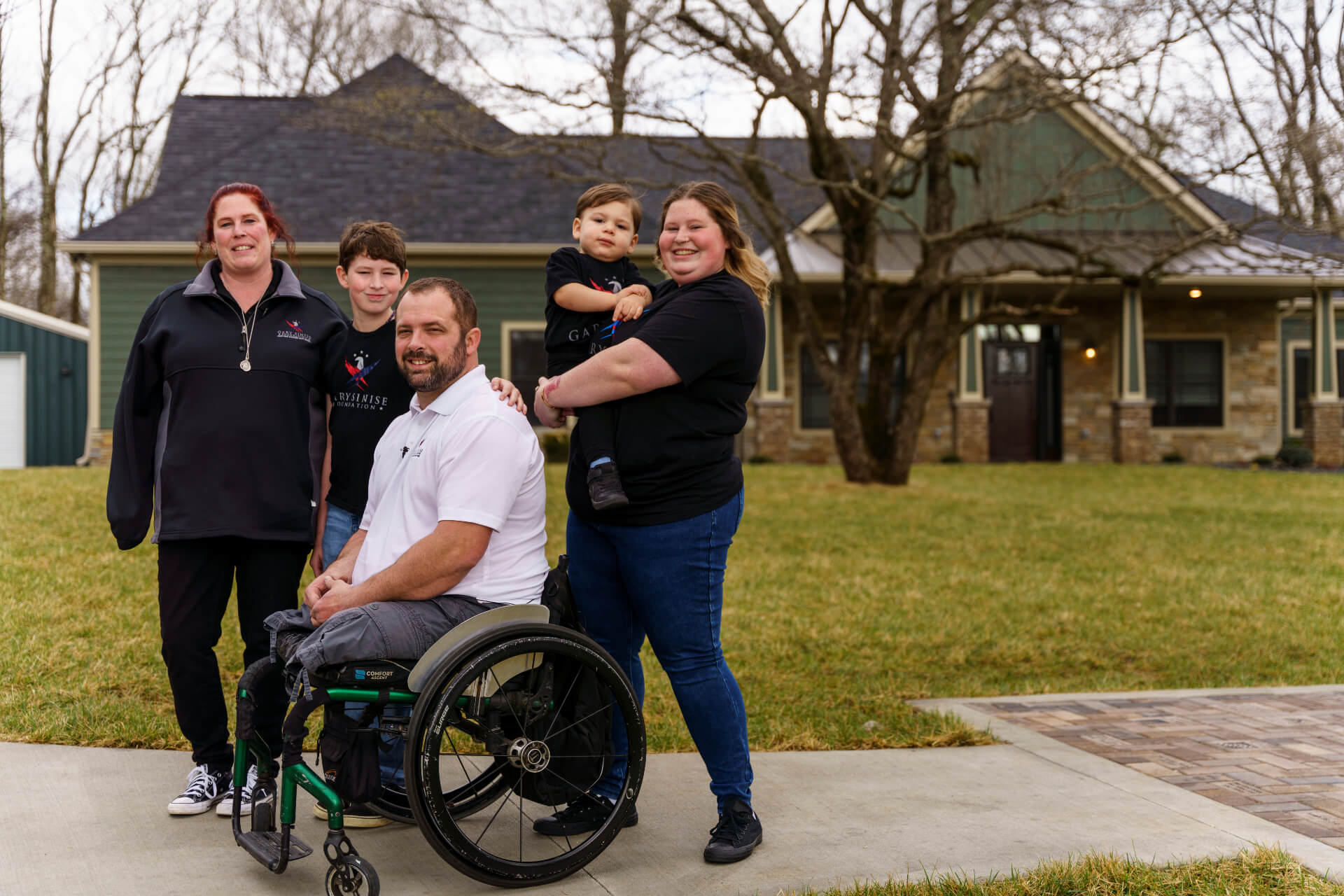
Stay up-to-date on the latest industry news,product releases, customer success stories, and more.
-
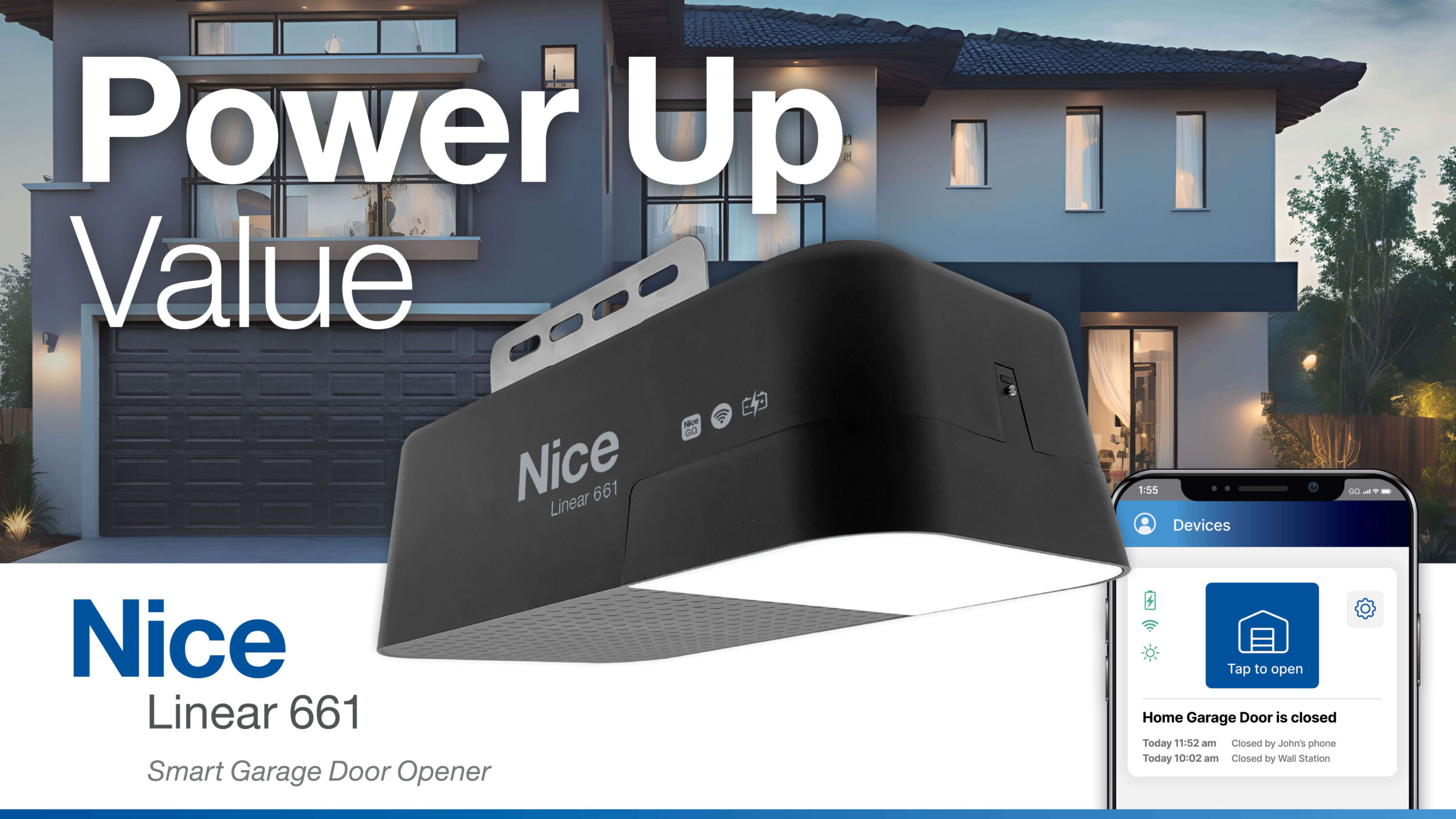
Product Announcements
Nice Expands Door and Access Portfolio with Launch of Smart Garage Door Opener and New Mobile Application
Apr 2024 -
Press Releases
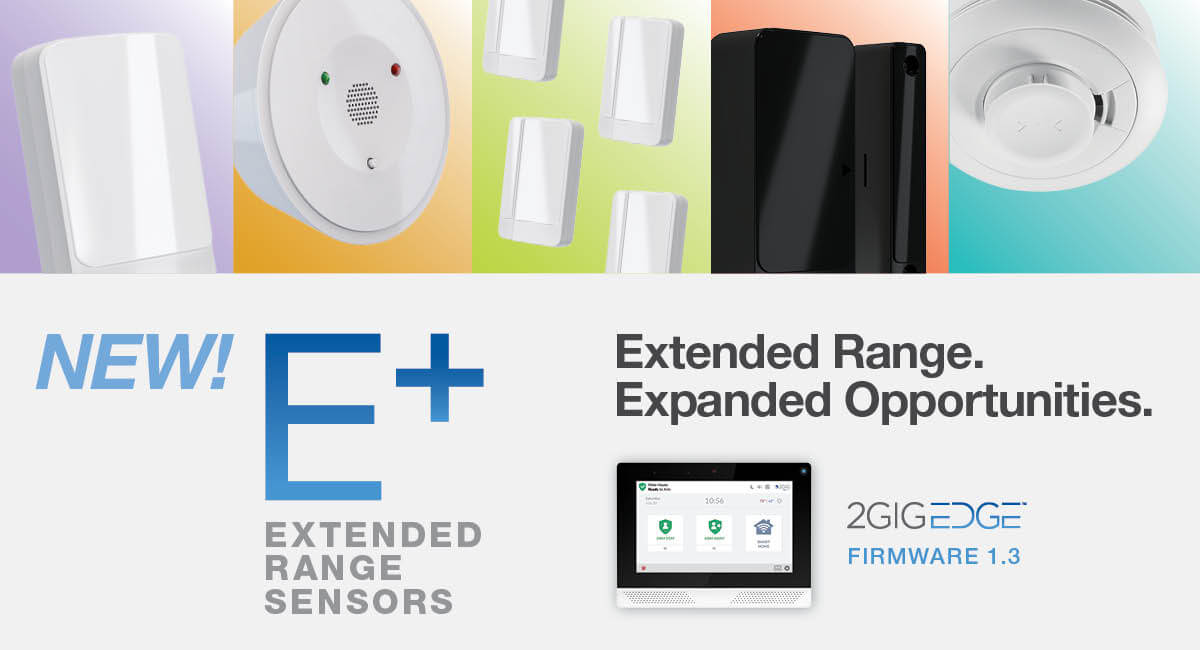
Nice Announces New Line of Extended Range Sensors for Elevated Security
Apr 2024 -

Press Releases
Nice Appoints Senthoor Navaratnam as New Chief Product Officer of North America
Apr 2024
One portfolio, endless opportunities.
Nice unites major brands in the smart home, commercial and industrial segments.














Stay in the know!
Get the latest from Nice, including tips, new product information, and more.